

Bring the Right GPT Into the Conversation
Three Takeaways:
-
What I tried: I used the @ symbol to call multiple custom GPTs into one conversation while building a landing page.
-
What I learned: Focused GPTs work best when each handles a specific responsibility in sequence.
-
How you can apply it: Treat your GPTs like a small advisory team and invite them into the work only when their expertise is needed.
One of the most useful features in ChatGPT is the ability to @ a custom GPT inside an active conversation. Once you start using it, your workflow becomes simpler and more deliberate.
Here is a real example from my own work. I needed to write a landing page. I started with my company GPT (my BrandAI), the one that understands my audience, voice, and priorities. I seeded the page with my own thinking and intent first. I care about this step. Clear input leads to clear output. Lead with your Heart, finish with your Brain! Put your Passion in your Prompt!
After the draft was in place, I brought in a copywriting GPT using the @ symbol. That GPT focuses on web copy structure and clarity. It tightened the language and improved flow without changing the message.
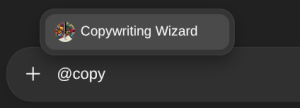
Next, I called in my SEO and GEO GPT. Its role was to review the page for search alignment and generative discovery while keeping the tone natural. I stayed in the same conversation the entire time. Nothing reset. Nothing was lost.
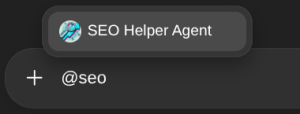
This approach opens the door to wider use cases that benefit business owners:
You can draft an offer, then @ a legal or compliance GPT to flag risk, unclear terms, or missing disclosures. You can shape a campaign, then @ a marketing strategist GPT to review positioning and audience fit. You can create content, then @ an industry expert GPT to confirm terminology, expectations, and assumptions.
Each GPT has a clear role. You decide when to invite them in.
This matters because clarity improves when work passes through the right expertise at the right moment. You save time, reduce friction, and stay in control of the outcome.